

The Value of Freeview in UK Homes
Since its launch in 2002, Freeview has become a cornerstone of British television, offering a straightforward way to access dozens of channels. At its heart, the service provides a huge selection of TV and radio stations with no monthly subscription fees. All you need are two things: a TV and a suitable aerial. This simplicity is its greatest strength, but it’s also why reception issues can be a common frustration for many households.
The value extends beyond just the number of channels. Many are broadcast in high definition, delivering a crisp, clear picture at no extra cost. It’s important to understand the difference between the two main types of Freeview. Standard Freeview delivers live TV through your aerial. Freeview Play, found on most modern smart TVs, enhances this by integrating on-demand content from services like BBC iPlayer, ITVX, and Channel 4 directly into the TV guide. This allows you to scroll back through the week and watch shows you missed, blending live and catch-up TV seamlessly.
Diagnosing Your TV Reception Problems
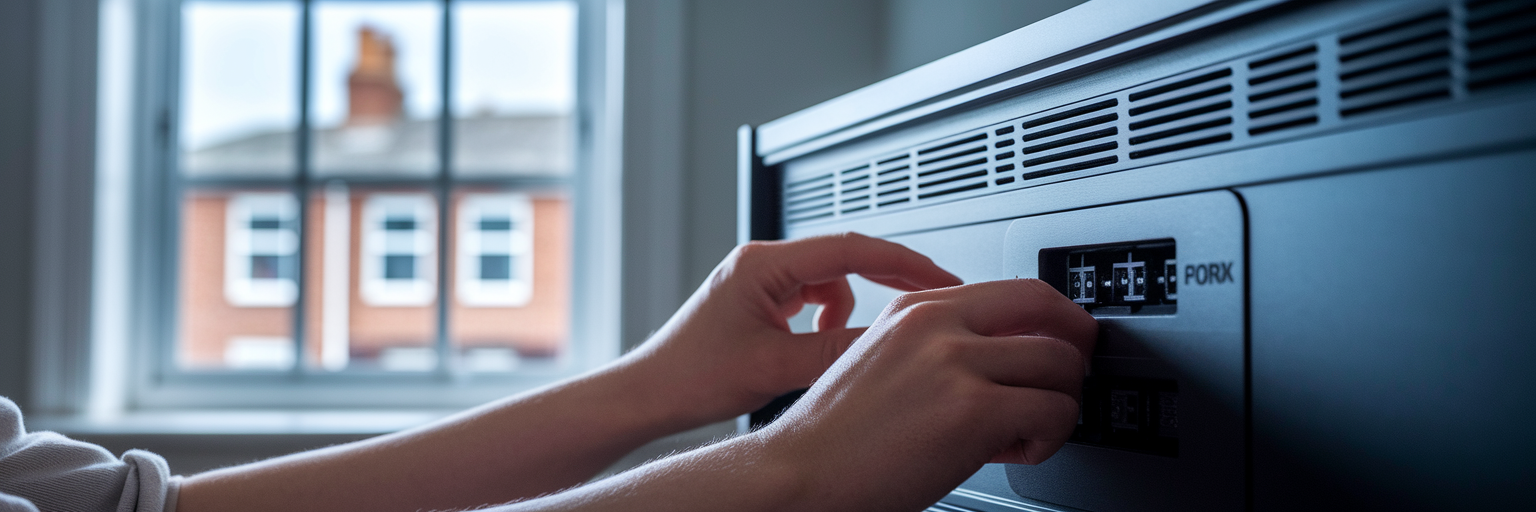
We’ve all been there: you sit down to watch your favourite programme, only to be met with a frozen picture, garbled sound, or a blank screen with a ‘No Signal’ message. This is a classic sign of a poor freeview signal. Before you assume the worst, a few simple checks can often resolve the issue. Follow these logical steps to identify the culprit.
First, start with the physical connections. Check the aerial cable at both ends, ensuring it’s plugged in securely to the wall socket and the back of your TV or set-top box. A loose connection is a frequent cause of signal loss. While you’re there, inspect the cable for any visible damage, like kinks or frays.
If the cables are fine, the next step is to retune freeview channels. Broadcasters sometimes change the frequencies they use, which can make channels disappear. A full rescan from your TV’s settings menu forces it to search for all available signals and rebuild your channel list. This simple action fixes a surprising number of problems.
Still having issues? It’s time to check for wider problems. You can check for predicted coverage and any known local transmitter faults by entering your details on the official Freeview Channel Checker. This tool will tell you if engineering work in your area is temporarily affecting the signal.
Essential Equipment for a Clear Signal
After running through the initial diagnostics, if your picture is still pixelated, it’s likely your equipment is the source of the problem. The single most important component for good reception is your aerial. Not all aerials are created equal, and choosing the right one for your location is critical. For most people, the choice comes down to an indoor or an outdoor model.
An indoor aerial is easy to set up but is often only effective in areas with a very strong signal. Walls, furniture, and even people walking past can interfere with it. A rooftop aerial, on the other hand, has a clear line of sight to the transmitter, making it far more reliable, especially in areas with weaker signals. Here’s a simple comparison:
| Feature | Indoor / Loft Aerial | Outdoor / Rooftop Aerial |
|---|---|---|
| Signal Strength | Lower | Highest |
| Reliability | Prone to interference from walls and appliances | Very reliable, clear line of sight to transmitter |
| Best Use Case | Areas with very strong signal; temporary setups | Weak or moderate signal areas; primary solution |
| Installation | Simple plug-and-play | Professional installation recommended |
This table outlines the key differences between aerial types. For most UK homes experiencing reception issues, a professionally installed rooftop aerial is the most effective long-term solution.
When choosing an aerial, look for a ‘wideband’ model, sometimes marked as Type T or W. This is the best tv aerial for freeview because it’s designed to receive all digital frequencies used across the UK, making it a future-proof choice. While most modern TVs have Freeview built-in, remember that older sets may require a separate set-top box. Finally, don’t overlook the coaxial cable. A cheap, poor-quality cable can lose signal and undermine the performance of even the best aerial.
Boosting Your Signal and Professional Help
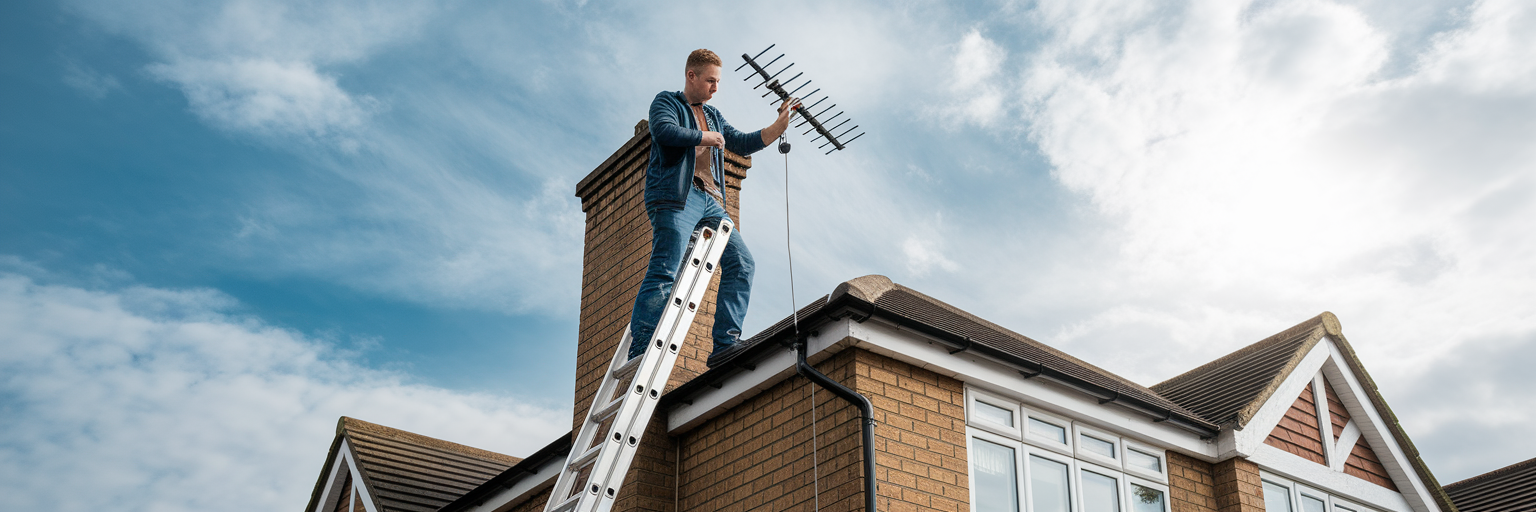
If you’ve checked your cables, retuned your channels, and have a decent aerial but are still struggling, it might be time for more advanced solutions. This is often the point where knowing how to improve tv reception uk involves deciding whether to call in a professional.
You should consider hiring an expert if:
- You live in a known signal ‘blackspot’ where reception is notoriously difficult.
- You have tried all the diagnostic steps without success.
- You need a rooftop aerial installed or realigned safely.
A qualified installer brings specialist equipment, such as a signal strength meter, to precisely align your aerial for the best possible reception. They can also identify and filter out interference from mobile phone masts, which is an increasing cause of TV signal problems. They might suggest a signal booster or amplifier, but these need careful consideration. A booster strengthens the signal it receives, but if your signal is already adequate, it can overload your TV’s tuner and make the picture worse. It’s best used near the aerial to boost a weak signal before it travels down the cable.
When hiring, we believe in getting the job done right. To find a reputable local engineer, we recommend using the search tool provided by the Confederation of Aerial Industries at GetMeViewing.org.uk. It’s always wise to get a few quotes, but as a guide, the typical freeview installation cost for a new aerial is usually between £100 and £150.
Integrating Freeview into Your Smart Home
Fixing reception issues is one thing, but modern Freeview offers much more than just live channels. With a stable signal, you can integrate it into a wider smart home entertainment system. This is where Freeview Play truly shines. By connecting your compatible TV or set-top box to the internet, it transforms your viewing experience.
The electronic programme guide (EPG) becomes interactive, allowing you to scroll backwards through the last seven days and select shows to stream directly from apps like BBC iPlayer or ITVX. There’s no need to open separate apps; it’s all unified in one place. This seamless blend of live and on-demand TV is what makes Freeview Play a powerful, cost-effective entertainment hub.
The flexibility doesn’t stop there. The Freeview mobile app lets you watch live and on-demand TV on your smartphone or tablet anywhere in your home, as long as you have a Wi-Fi connection. This turns every screen into a potential TV. When combined with other streaming subscriptions and smart devices, a well-configured Freeview Play system acts as the central point of your home entertainment.